
The TV wallboard is a full-screen view for an IT room or operations display. It is designed for distance viewing and avoids normal sidebar clutter.
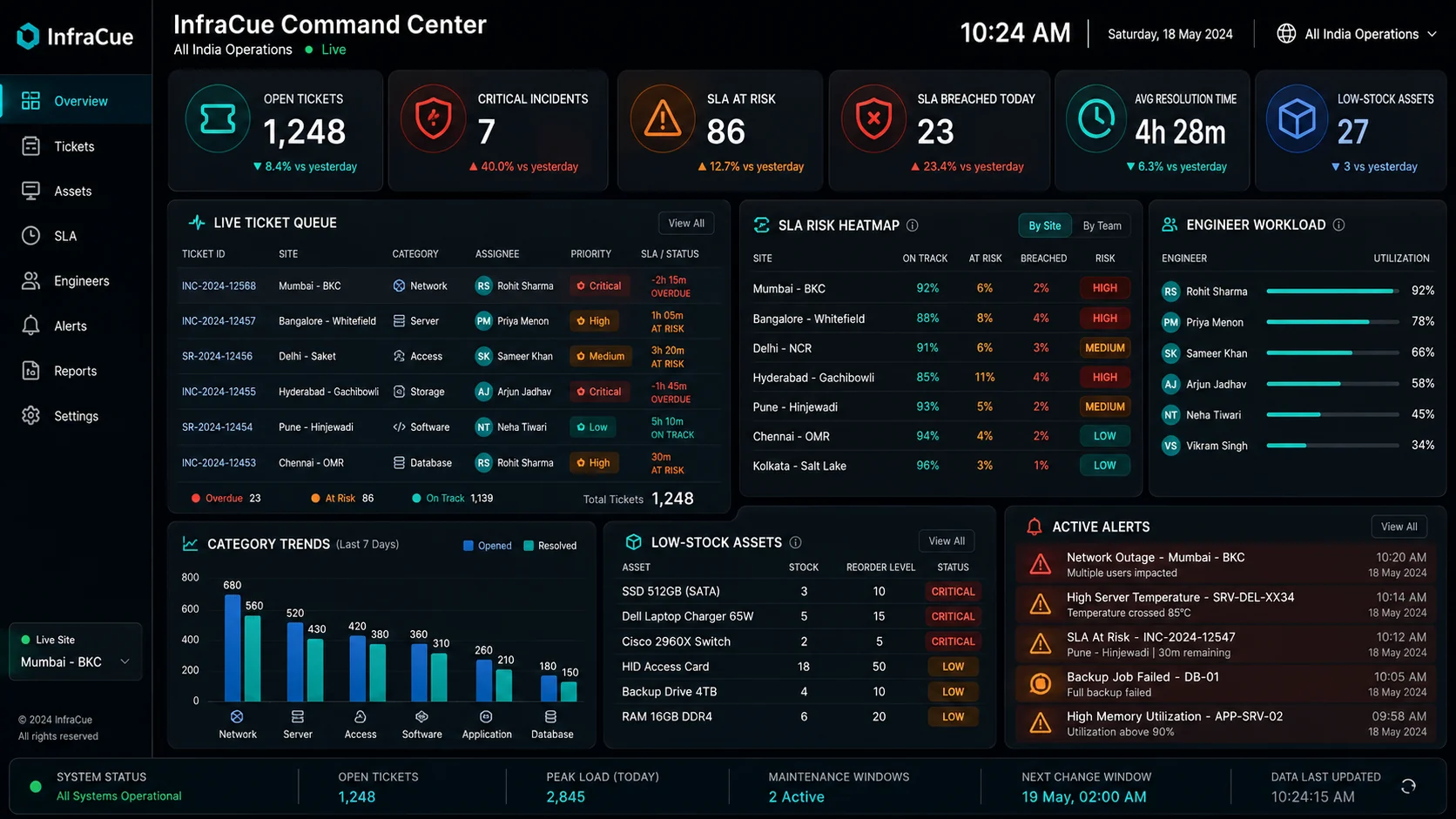
- Confirm plan accessCheck the Subscription page to confirm wallboard access is enabled for your workspace.
- Use the wallboard account or approved viewOpen the wallboard on the display device and sign in with the permitted account.
- Choose display modeSelect ticket operations, Network Pulse when available, or an approved rotation mode.
- Use remote-friendly controlsKeep the display focused and use the wallboard controls to change screens without a mouse.